
How To
Install your laptop key correctly
Follow the steps below and match your hinge style before applying pressure.
Important: Keys may look identical, but hinges underneath can be completely different.
Before you start
Power off
Turn off and unplug your laptop.
Check hinge
Match hinge style exactly.
Be gentle
Never force the key into place.
Installation steps
1
Inspect
Check for damage.
2
Attach hinge
Clip hinge correctly.
3
Align key
Center key evenly.
4
Snap in
Press gently.
Apple installation guides
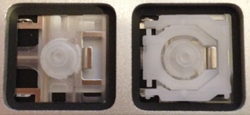
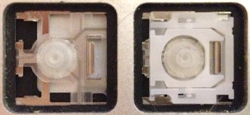
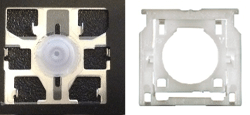
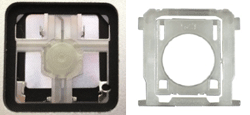
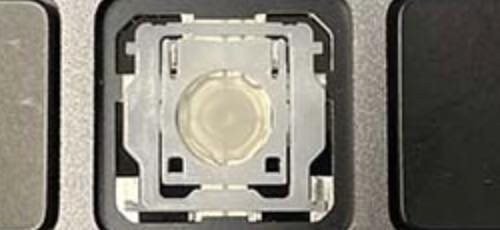


Not sure which hinge you need?
1. Full keyboard
Top-down photo
2. Close-up
Missing key area
3. Hinge
Photo from above