Logitech MX Keys Keyboard Key Replacement

- SKU:
- LTKEY-US-LKEYS
OEM KEY KIT • THREE COLORS • EXACT FIT Logitech MX Keys Replacement Keyboard Keys Replace a missing, damaged, or worn Logitech MX Keys key without replacing the entire keyboard. Each OEM key kit is matched to…
$8.99
✔ What You Get
Key Cap (Exact OEM Match)
Hinge Clip (Matched to Your Model)
Rubber Cup (If Needed)
⚠️ Multiple hinge types exist for this model — we ensure you receive the correct one.
Product Details
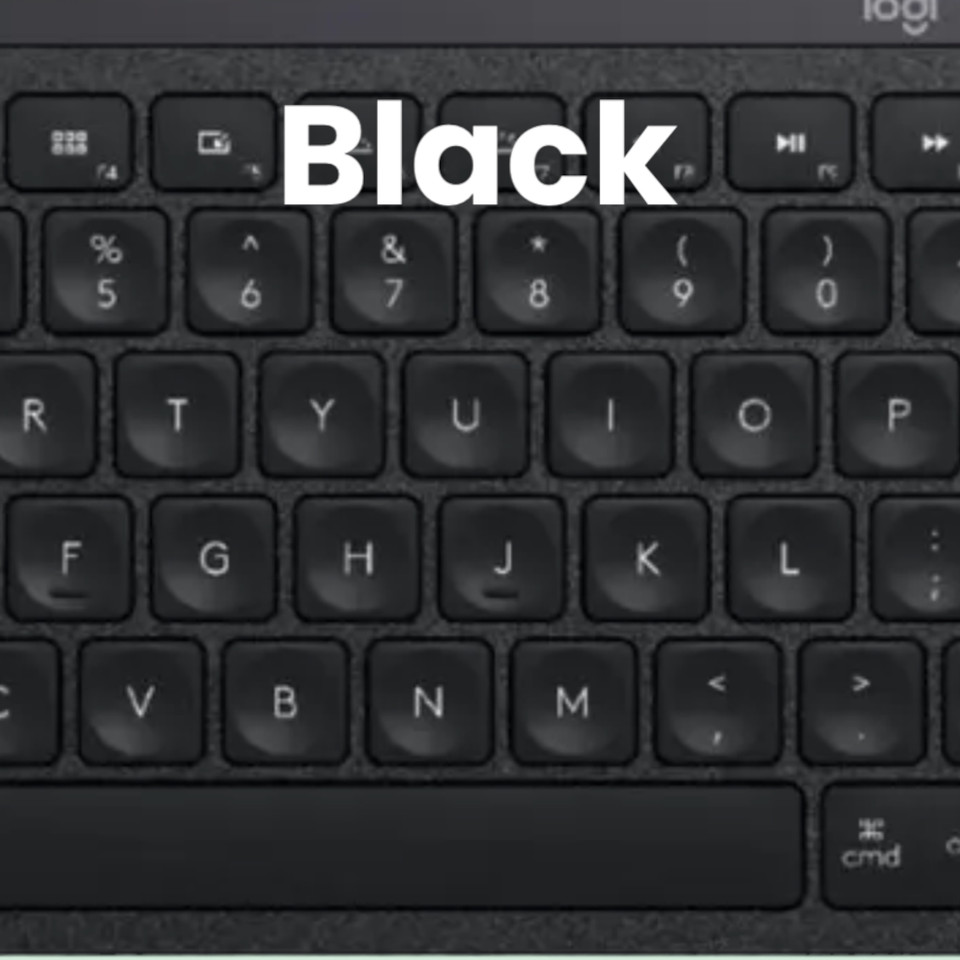 Black The darkest available MX Keys key color.
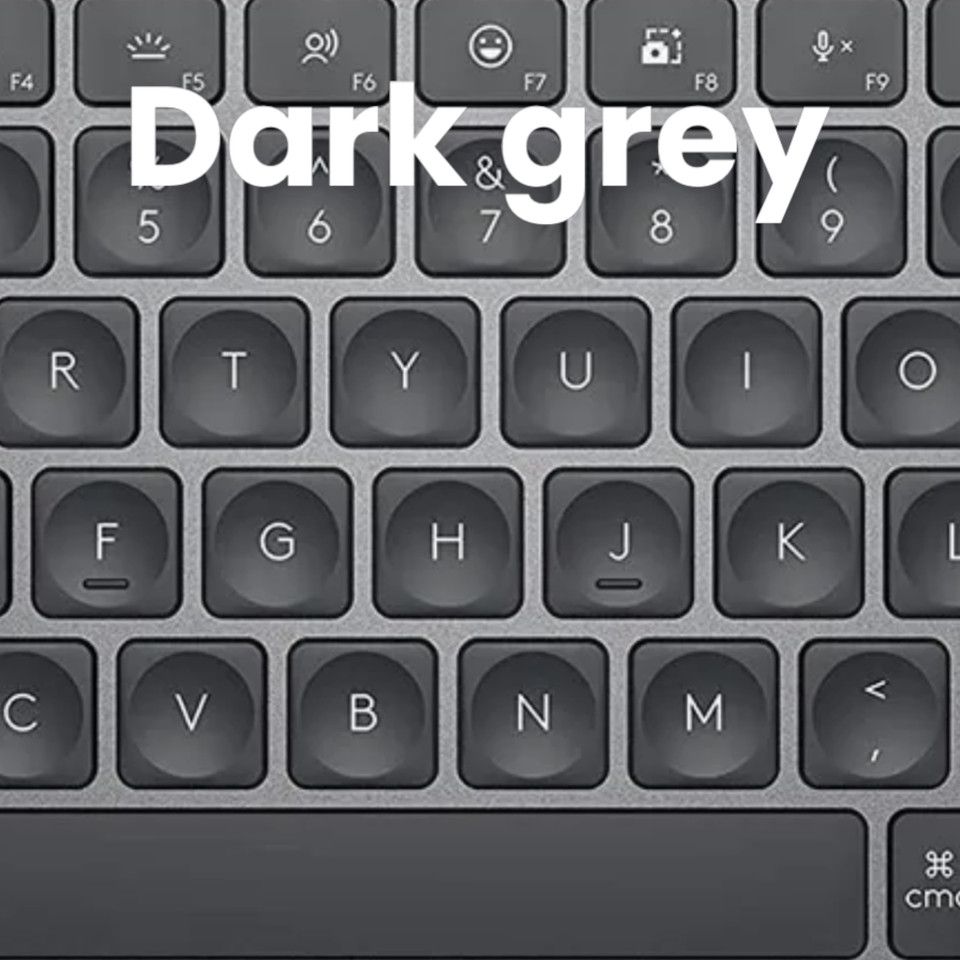 Graphite A dark-grey tone used on some MX Keys and MX Keys for Mac keyboards.
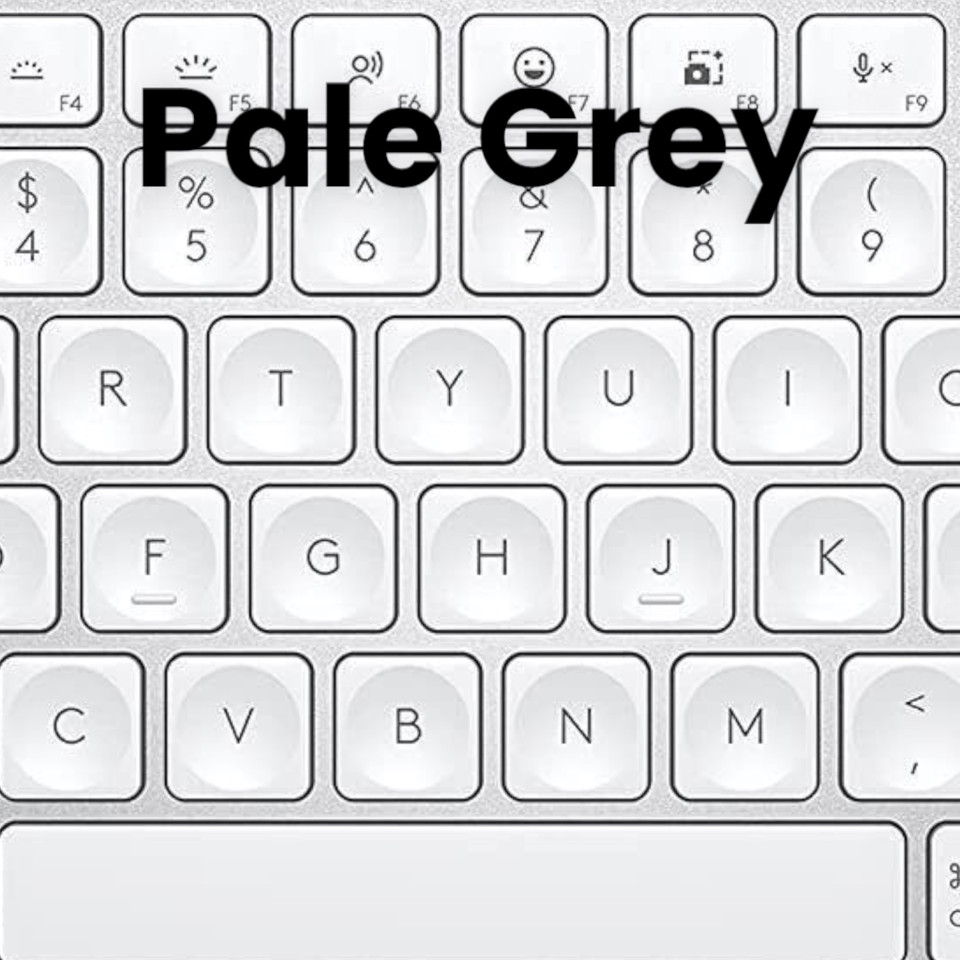 Pale Grey The lightest available MX Keys key color.
OEM KEY KIT • THREE COLORS • EXACT FIT
Logitech MX Keys Replacement Keyboard Keys
Replace a missing, damaged, or worn Logitech MX Keys key without replacing the entire keyboard. Each OEM key kit is matched to your selected key and color for the proper fit, appearance, and operation.
✓ Genuine OEM Parts Factory-original components provide the correct shape, attachment points, finish, and feel.
✓ Complete Key Kit A standard order includes the selected keycap, matching hinge clip, and rubber cup when needed.
✓ Three Available Colors Choose Black, Pale Grey, or Graphite to match your existing MX Keys keyboard.
✓ Repair One Key Replace only the missing or damaged key instead of purchasing another complete keyboard.
Select Both the Correct Key and Color
MX Keys keyboards were produced with different key colors and printed layouts. Before ordering, select the exact key you need and compare your keyboard with the color and layout images below. A color that appears similar on screen may look noticeably different when installed beside your existing keys.
Select. Match. Repair.
1
Select Your Key Choose the exact letter, number, symbol, function key, arrow, command key, space bar, or number-pad key needed. 2
Match the Color Compare your keyboard with the Black, Pale Grey, and Graphite images before selecting a color. 3
Confirm the Layout Check the printed character, key shape, and surrounding keyboard layout before adding the replacement to your cart. COLOR MATCHING GUIDE
Which MX Keys Color Do You Have?
Compare the color of the keycap itself—not only the keyboard case or the color name printed on the original packaging.
Black The darkest available MX Keys key color. Graphite A dark-grey tone used on some MX Keys and MX Keys for Mac keyboards. Pale Grey The lightest available MX Keys key color. What You Receive
✓
One complete replacement key kit for the key selected above The kit includes the OEM keycap, matching hinge clip, and rubber cup when needed. It does not include an entire keyboard or a complete set of keys.
Confirm the Keyboard Layout and Language
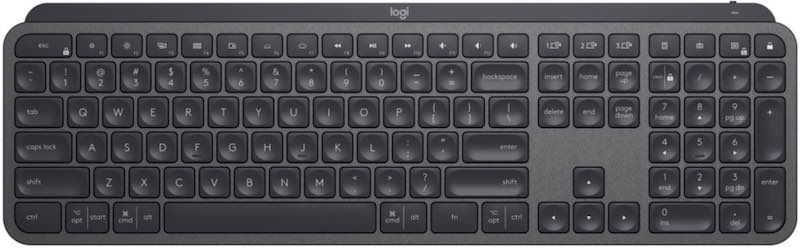
Compare your keyboard with the image below. Confirm the selected key’s shape, printed character, location, and surrounding keys before ordering.
International and Mac Layouts
The standard image shows a QWERTY layout. MX Keys for Mac and international keyboards may use different printed characters, command keys, or key shapes. Compatible hinge components may be interchangeable, but contact us before ordering if your key shape or printed layout differs from the images.
Why Order From Laptop Key Replacements?
Factory-Original Parts New OEM keyboard components
One-Year Warranty Coverage for added confidence
60-Day Exchange Policy Exchange support when needed
Serving Customers Since 2005 Packaged and shipped from Orange County, California
Complete Your Keyboard Repair
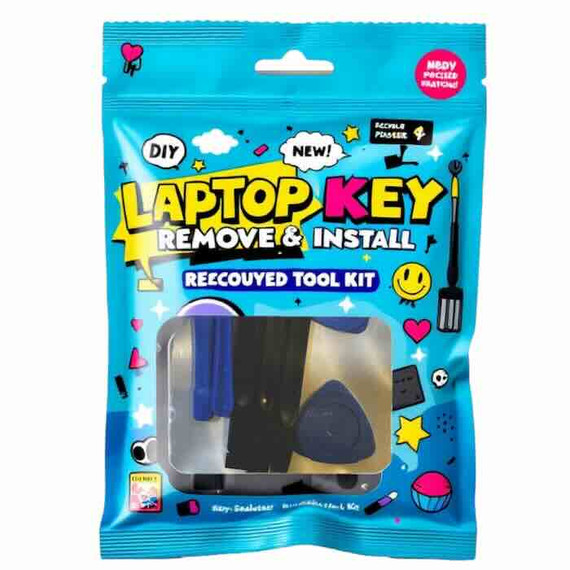
Keyboard Repair Tool Kit Add the optional non-marring repair tools above if you need help removing the keycap or positioning the hinge clip and rubber cup.
MX Keys Cleaning Gel Clean dust and loose debris from around the repair area before installing the replacement components.
Replace the Key—Not the Entire Keyboard
Select the exact key, match your keyboard color, confirm the layout, and order the matching OEM replacement kit.
SELECT MY KEY AND ADD TO CARTOEM keycap • Matching hinge clip • Rubber cup when needed
Reviews
45 Reviews
-
Mx Keys
100% awesome service. !!!!
-
key-cap
thankyou so much!!
-
Perfect fit - imperfect colour
Perfect fit for the keyboard, easy to install and works perfectly. If the colour matched it wouldn't be noticeable, but unfortunately the new key is a darker shade and is quite noticeable. Better than a broken key though!
-
Logitech MX U Key Replacement
Excellent replacement!
-
Great replacement keys
Thanks for having the MX keys in stock, you guys made replacing the keys really simple. Thanks


Logitech MX Keys Keyboard Key Replacement
$8.99
Video Installation Guide
#soeasy2install
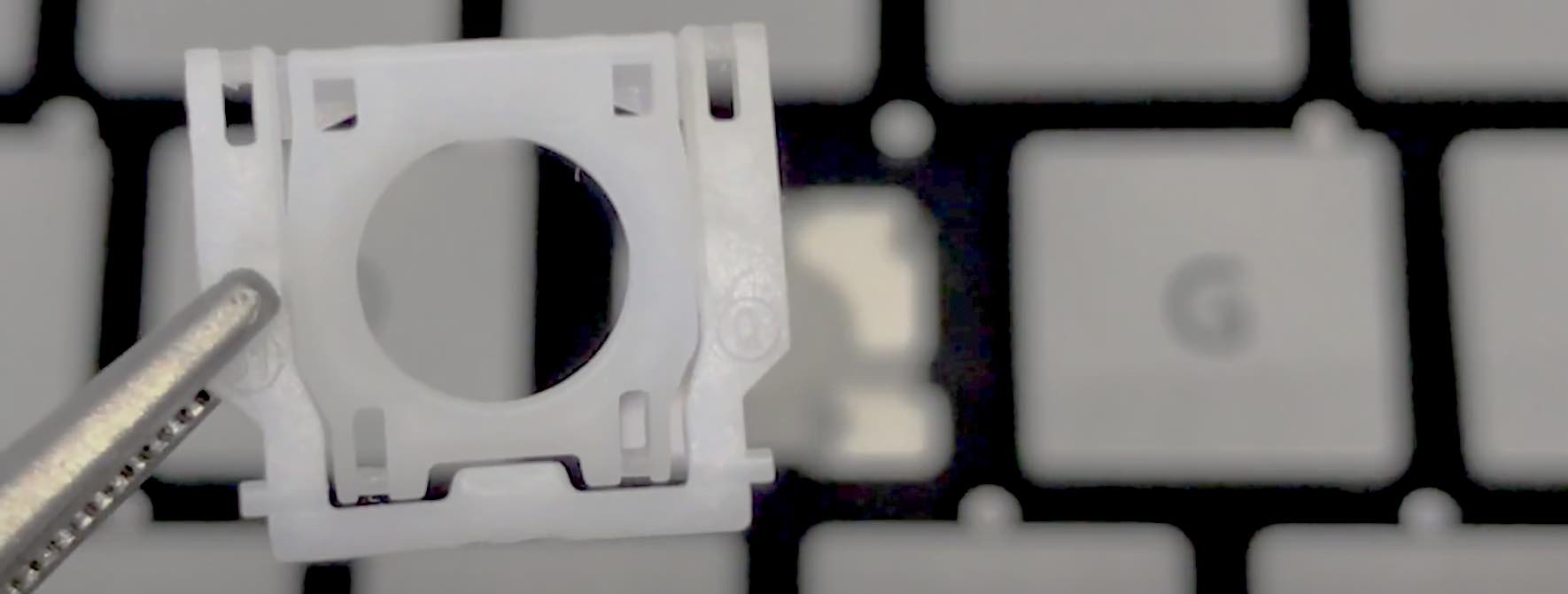
Laptop key installation are so simple a kid can do it. Follow our FREE & EASY video guides.
Installation Videos